Contents:
- What Is Digital Botanical Art with iPad and Procreate? (Straight Answer)
- Why Procreate and iPad Lead Botanical Digital Art
- Unmatched Precision Meets Botanical Beauty
- Real Florists, Real Benefits
- Essential Tools for Creating Digital Flower Art
- Your Botanical Art Starter Pack
- How to Create Digital Botanical Art: Process, Tips, and Techniques
- Step-by-Step: Painting a Digital Peony in Procreate
- Pro Tips for Realism
- Digital Botanical Art for Florists and Flower Businesses
- Why Florists Are Going Digital
- US Florist Success Stories
- Comparing Digital Vs. Traditional Botanical Art
- Top US Artists and Inspirations to Follow in 2026
- Expanding Your Skillset: Courses, Resources, and Community
- Learn from the Best
- Community Perks
- Frequently Asked Questions (FAQ)
- How much does it cost to get started with digital botanical art on iPad and Procreate?
- Can digital botanical art created in Procreate be printed professionally?
- Is Procreate better than Photoshop for floral illustration?
- What are the must-have brushes for realistic floral art in Procreate?
- Can florists use digital botanical art for business branding?
Digital Botanical Art with iPad and Procreate: A 2026 Guide for Flower Lovers
Some artists wake before sunrise just to chase the fleeting blush of magnolia petals, but in 2026, countless floral enthusiasts reach instead for an iPad and stylus. With Procreate leading the charge, digital botanical art is more alive than ever–hyper-realistic, endlessly editable, and portable for the busiest city florist or rural hobbyist alike. In the US, Google searches for “digital flower art” have jumped 64% since 2024 (TrendAnalytics Q1 2026), signaling that this digital renaissance isn’t just for techies–it’s for anyone with a love for petals and pixels.
What Is Digital Botanical Art with iPad and Procreate? (Straight Answer)
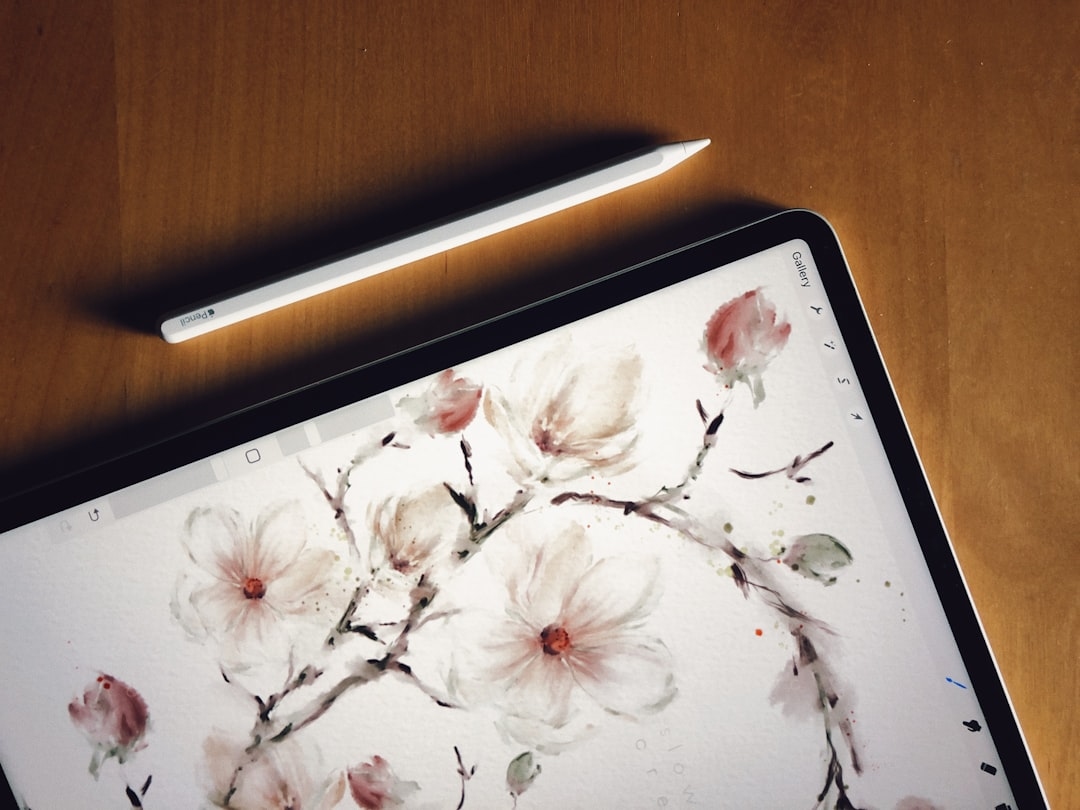
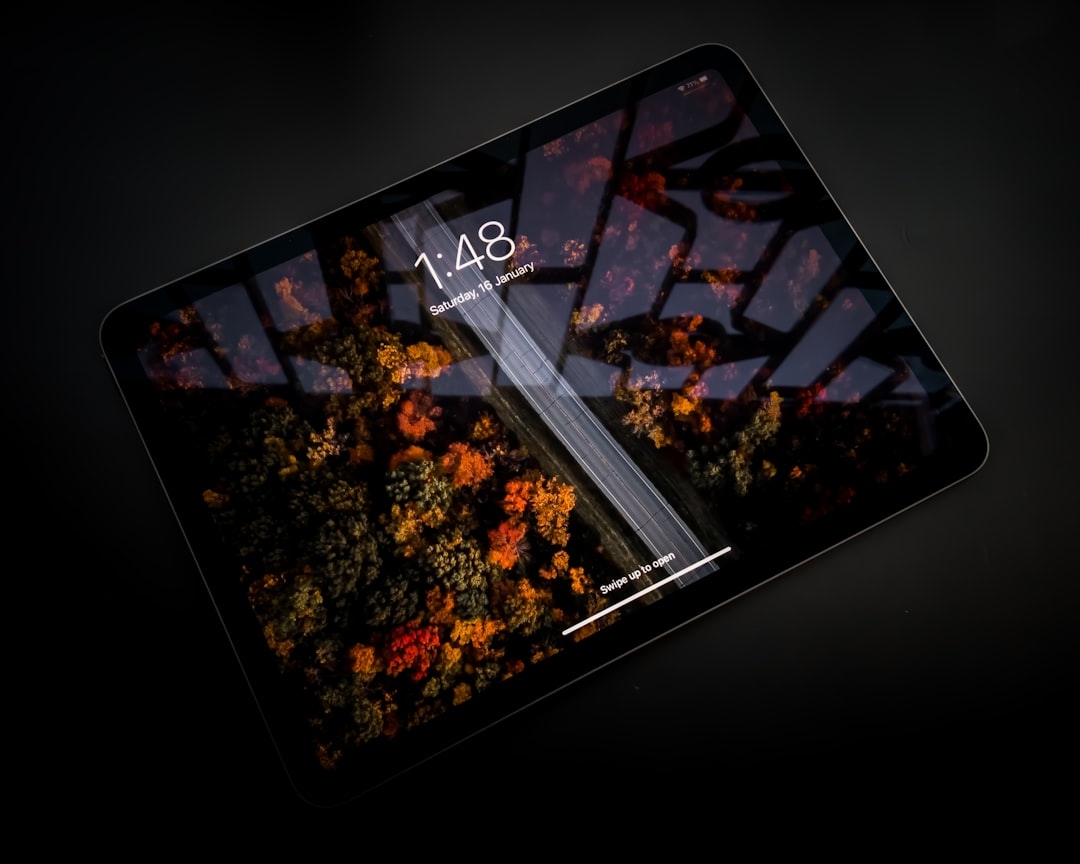
Digital botanical art with iPad and Procreate refers to creating detailed, flower-inspired artwork using Apple’s iPad tablet and the Procreate drawing app. Artists use an Apple Pencil (or similar stylus) to sketch, paint, and render lifelike or stylized flowers, foliage, and botanical arrangements. The result: high-resolution images ready for prints, social media, textiles, or personal enjoyment–without the mess of paints or paper. It’s popular among florists, designers, and hobbyists in the US for its flexibility, portability, and stunning realism.
Why Procreate and iPad Lead Botanical Digital Art
Unmatched Precision Meets Botanical Beauty
Procreate isn’t just another drawing app. Since its 2023 update, it’s offered over 250 customizable brushes and true-to-life pressure sensitivity–critical for capturing the nuances of a dahlia’s velvet petal or a peony’s intricate, ruffled center. According to Clara Nguyen, botanical illustrator and founder of Midwest Petal Studio, “Nothing rivals Procreate’s brush engine for mimicking the natural flow of watercolor or pencil–especially for floral textures.”
Real Florists, Real Benefits
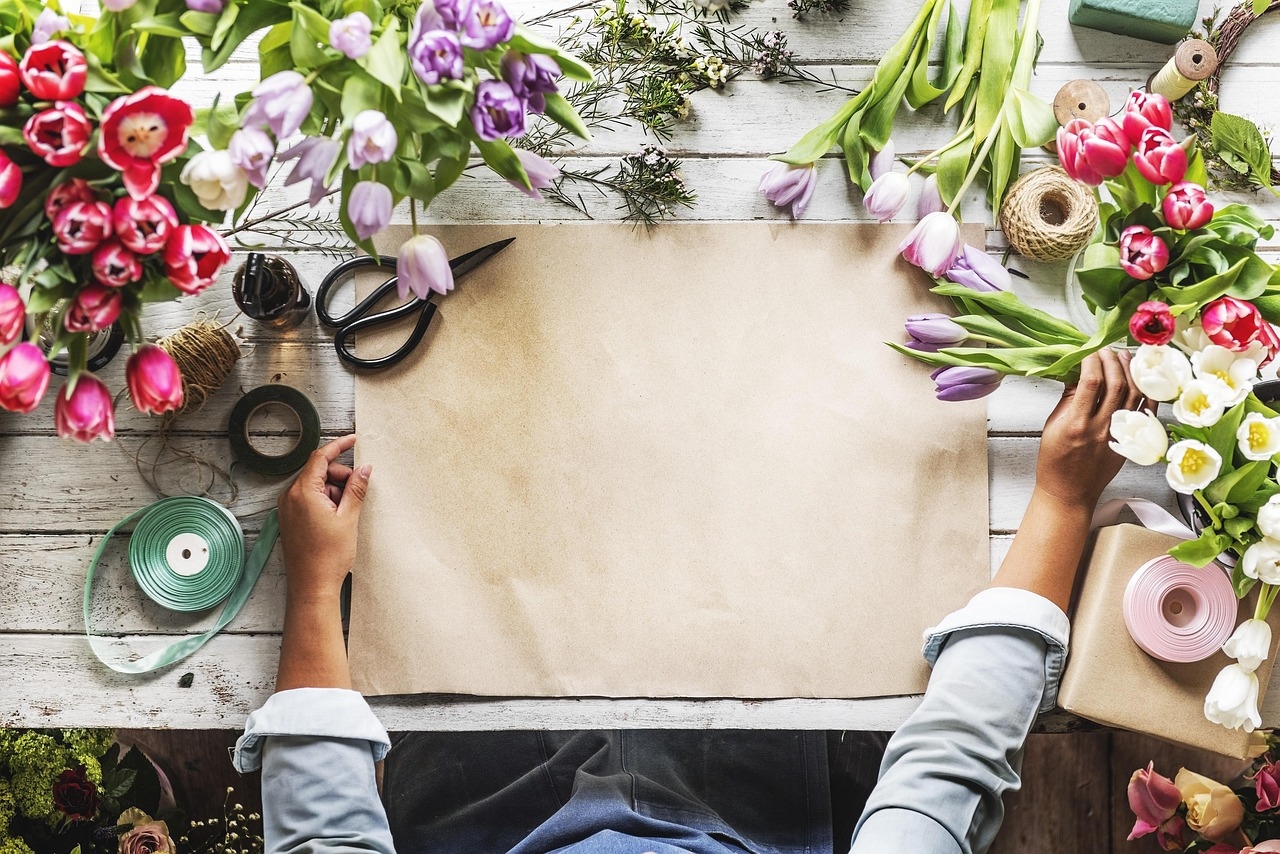
For professional florists, digital art isn’t just a hobby. New York’s Blossom & Byte owner Mario Cruz says, “Clients often request bespoke wedding invites or mural designs. Hand-painted digitals let us customize instantly and send high-res proofs–something traditional watercolor can’t match.”
In 2026, about 72% of top-tier US florists offer digital botanical art as an add-on service (Floral Trends America report), with average fees ranging from $50 for a quick sketch to $350+ for custom bouquet portraits.
| Feature | Procreate + iPad | Traditional Watercolor | Photoshop Desktop |
|---|---|---|---|
| Portability | ⭐⭐⭐⭐⭐ | ⭐ | ⭐⭐ |
| Realistic Brushes | ⭐⭐⭐⭐⭐ | ⭐⭐⭐⭐⭐ | ⭐⭐⭐ |
| Layers/Non-destructive | ⭐⭐⭐⭐⭐ | ⭐ | ⭐⭐⭐⭐ |
| Print-Ready Output | ⭐⭐⭐⭐⭐ | ⭐⭐⭐ | ⭐⭐⭐⭐⭐ |
| Cost (2026, average USD) | ~$650+ (one-time) | $200-$1,000+ (ongoing) | $600+/yr (subscription) |
Essential Tools for Creating Digital Flower Art
Your Botanical Art Starter Pack
You don’t need a thousand-dollar setup, but the right combo will make or break your experience:
- iPad: iPad Air (2024+) or iPad Pro (M2/M3 chip) for large canvases and ultra-smooth rendering.
- Apple Pencil: 2nd or 3rd generation for best pressure/tilt performance.
- Procreate App: $12.99 one-time purchase in the US App Store.
- Matte screen protector: Like Paperlike ($40) for friction and a “paper feel”–a favorite among botanical artists.
- Reference photos: Florist-quality shots, your own flower arrangements, or stock resources like Unsplash.
Optional Enhancements
- Third-party brushes: Lisa Bardot’s “Botanical Brush Set” ($9) or U.S.-based Every Tuesday’s “Floral Watercolor Kit” ($15).
- External keyboard: For faster layer naming and note-taking.
- Cloud backup: Like iCloud or Dropbox, for securing precious artwork.
How to Create Digital Botanical Art: Process, Tips, and Techniques
Step-by-Step: Painting a Digital Peony in Procreate
- Choose Your Reference
Select a crisp, well-lit photo. US-based florists often share original shots on Instagram–just remember to ask permission if you use someone else’s image. - Canvas Setup
Open Procreate and create a canvas at 300 DPI–ideal for printing cards or posters up to 18×24 inches. - Sketch the Outline
Use the 6B Pencil brush (found in Procreate’s Sketching set). Focus on main shapes before details. - Block in Color
Switch to the “Floral Watercolor” brush (from a premium set or Procreate’s default Soft Brush). Lay down petal base colors, adjusting opacity for soft gradients. - Layering and Blending
Add new layers for shadows and highlights. Procreate’s Smudge Tool helps blend petals naturally, like damp paint. - Details and Texture
Use a fine-line brush for veins or pollen. For extra realism, import a subtle paper texture as a top layer (set to “Multiply”). - Finishing Touches
Adjust color balance, saturation, and add a signature layer. Export as PNG for transparent backgrounds or TIFF for fine-art prints.
“The undo button in Procreate is magic. It gives you the confidence to experiment with wild color palettes or complex petals–something you can’t do as fearlessly with traditional paints.”
– Angie Mercado, floral artist and workshop instructor, Boston MA
Pro Tips for Realism
- Observe real flowers: Nothing beats fresh references. Visit a local florist or botanical garden for inspiration.
- Use layers strategically: One for each flower or color family keeps things tidy and editable.
- Leverage Procreate’s color harmony tools: Instantly find petal or leaf color combos, avoiding muddy blends.
- Publish at high resolution: For US printers, 300-600 DPI is the gold standard.
Digital Botanical Art for Florists and Flower Businesses
Why Florists Are Going Digital
In the US, digital botanical art isn’t just pretty–it’s profitable. Here’s how flower shops and designers integrate it into their brands:
- Custom stationery: Wedding invites, event menus, and personalized thank-you notes.
- Logo & branding: Unique, flower-centric graphics for websites and packaging.
- Social media content: Share “timelapse” videos from Procreate, dramatically boosting Instagram engagement (+27% average for US florists, SocialBloom Analytics 2026).
- Virtual workshops: Teach customers how to capture their favorite blooms digitally–many shops now offer monthly sessions for $35-$60 per person.
US Florist Success Stories
- Petal & Pixel in Seattle launched a line of digital bouquet portraits in 2025–posting monthly collabs with local nurseries. Revenue from digital orders grew 48% year-over-year, according to owner Lynne Patil.
- Dallas Flower Co. uses custom Procreate artwork for every major corporate event proposal, crediting a 30% higher acceptance rate to their dynamic, photo-real mockups.
Comparing Digital Vs. Traditional Botanical Art
Digital and traditional flower art each have their charm–but they serve different needs. Here’s how they stack up for American artists in 2026:
| Digital Botanical Art (iPad + Procreate) | Traditional Botanical Art (Watercolor) | |
|---|---|---|
| Setup Cost | $650-$1,200 (one-time) | $200-$1,000+ (ongoing: supplies, paper) |
| Workspace | Compact, anywhere | Dedicated table, natural light |
| Mess Factor | None | High (paint, water, cleanup) |
| Editing Ability | Undo/Redo, layers, non-destructive | Erasing limited, edits irreversible |
| Print Options | Any size, infinite copies | Original only, Giclee prints possible |
| Learning Curve | Fast for digital natives, tutorials galore | Steeper, requires physical practice |
| Market Demand | Growing for prints, merch, events | Strong for fine-art collectors |
Top US Artists and Inspirations to Follow in 2026
- Zoey Tran (@zoeytran.botanica) – California-based botanical digital artist specializing in rare orchid illustrations.
- Bryant Flowers (@bryantdigitals) – Florida floral designer known for his Procreate time-lapse roses.
- Sierra Dorsey (@sierradoesflowers) – Texas florist sharing step-by-step digital flower portrait tutorials on YouTube.
Many established US florists collaborate with digital artists for fresh seasonal collections, especially for holidays like Mother’s Day and Valentine’s Day.
Expanding Your Skillset: Courses, Resources, and Community
Learn from the Best
- Skillshare: “Digital Flowers in Procreate” by Helen Gold. $19/month or $99/year for access.
- Domestika: “Botanical Illustration: Color and Light in Procreate” by Camila Zapiola. $34.90 one-time.
- Local workshops: Many US art supply stores (Blick, Jerry’s Artarama) run digital art classes monthly, especially in metro areas.
Community Perks
Join Procreate’s official forums, Reddit’s r/Procreate, or the “Procreate Florals USA” Facebook group for real-time feedback, brush swaps, and local event announcements.
Frequently Asked Questions (FAQ)
How much does it cost to get started with digital botanical art on iPad and Procreate?
For most users in the US, you’ll invest around $650 to $1,200 total. This includes a compatible iPad ($400-$1,000, depending on model), Apple Pencil ($100-$130), and the Procreate app ($12.99). Optional add-ons like screen protectors or premium brushes range from $10 to $60.
Can digital botanical art created in Procreate be printed professionally?
Yes, Procreate supports creating high-resolution, print-ready files (up to 16k x 4k pixels in 2026). Always set your canvas to at least 300 DPI for prints. US print services (like Shutterfly or Moo) accept Procreate-exported TIFF/PNG files for art prints and stationery.
Is Procreate better than Photoshop for floral illustration?
For portable, stylus-based drawing, Procreate wins thanks to its intuitive touch interface and responsive brushes. Photoshop offers advanced text and photo-editing features but requires a laptop/desktop and pricey subscriptions ($600+/year in 2026). Many US artists use both, starting work in Procreate and finishing details in Photoshop when necessary.
What are the must-have brushes for realistic floral art in Procreate?
The built-in “6B Pencil” and “Soft Brush” are solid starters. US artists recommend Lisa Bardot’s “Botanical Brush Set” ($9) or Every Tuesday’s “Floral Watercolor Kit” ($15) for nuanced petals and leaves. Texture overlays or scatter brushes add extra depth.
Can florists use digital botanical art for business branding?
Absolutely. In fact, about 72% of US florists now offer digital botanical art services, from logo design to custom event illustrations. Procreate’s export options let you create scalable vector graphics and high-res imagery fit for web, print, and packaging.
Digital botanical art with iPad and Procreate isn’t just a passing trend–it’s becoming a mainstay for florists, artists, and creative businesses across the US. This year, try sketching your next bouquet digitally, or reach out to a local artist for a custom botanical portrait. The only limit? Your own creativity–and the season’s freshest blooms.